

Why Most Business Wireless Underperforms
Bad wireless is one of those problems that seems minor until it isn't. Slow speeds in one corner of the office. Calls dropping when someone walks down the hall. The warehouse scanner that loses connectivity every time the dock door opens. A meeting room where video calls consistently struggle. These are not random bad luck moments. They are symptoms of a wireless environment that was never properly designed.
Most business wireless gets deployed by someone who placed access points where they fit rather than where coverage analysis said they should go. Channels overlap. Device density on individual APs runs too high. Guest and corporate traffic share the same network. Nobody catches any of this until users start complaining.
Ashton's approach starts with a proper site survey before anything gets installed. We assess your space, your device count, your layout, and how your team actually uses the network. Then we design a UniFi deployment built around those realities, not around what is convenient to install.
Why We Choose Ubiquiti UniFi for Most of Our Clients
Ubiquiti's UniFi platform delivers enterprise-level wireless performance and centralized management at a price point that makes sense for small and mid-sized businesses. That combination is genuinely rare in networking, and it is why we have made UniFi our primary recommendation for most commercial wireless deployments.
The UniFi controller gives us a single place to manage access points, switches, security gateways, and VLANs across your entire environment. We can see what every device on your network is doing, push configuration changes instantly, monitor signal strength across your floor plan in real time, and create separate network segments for employees, guests, IoT devices, or operational technology without needing separate hardware for each.
For our managed IT clients, we include UniFi network management as part of the service. We push firmware updates, review network health, and respond to connectivity issues before they become your problem. The visibility the platform gives us means we are often aware of an issue before you notice it.
We Have Done This in the Difficult Places.
In 2016, Laurel School asked Ashton to provide wireless coverage for Laurelive, an outdoor music festival at their 140-acre Butler campus in Novelty, Ohio. The site was heavily wooded with multiple stages, a radio station, dozens of vendors, Geauga County emergency services, and thousands of attendees all needing connectivity simultaneously. Running cable on the ground was not an option.
We deployed a UniFi network using Ubiquiti Rocket ACs, NanoBeams for point-to-point connections between stages, UniFi APs mounted in weatherproof boxes in the stage rigging, and TOUGHSwitches throughout. UniFi's centralized management let us monitor the entire network in real time from laptops and mobile devices during the event. When a NanoBeam kept going offline the day before doors opened, we caught it, diagnosed a firmware issue, pushed the updated release, and had everything stable before anyone else even knew there had been a problem.
That is what proper wireless management looks like in practice. We returned in 2017 for an even larger event. If we can make UniFi perform reliably across 140 wooded acres for thousands of concurrent users, we can make it perform in your office, your warehouse, or your multi-site operation.
What Ashton Delivers with a Ubiquiti Deployment
From design through ongoing management, here is how a UniFi engagement with Ashton actually works.
Wireless Site Survey and Network Design
Before anything gets installed, we assess your space. We look at the physical environment — materials, layout, ceiling height, obstacles — and your device requirements: how many users, what types of devices, and how the network needs to perform in each area. High-density conference rooms need different treatment than open office floor space. A warehouse with metal racking behaves very differently from a retail floor.
From this assessment we produce an access point placement design with channel assignments, SSID structure, VLAN segmentation, and equipment specifications. The design is the foundation that makes everything else work. Skipping it is why so many business wireless deployments underperform.
Deployment and Configuration
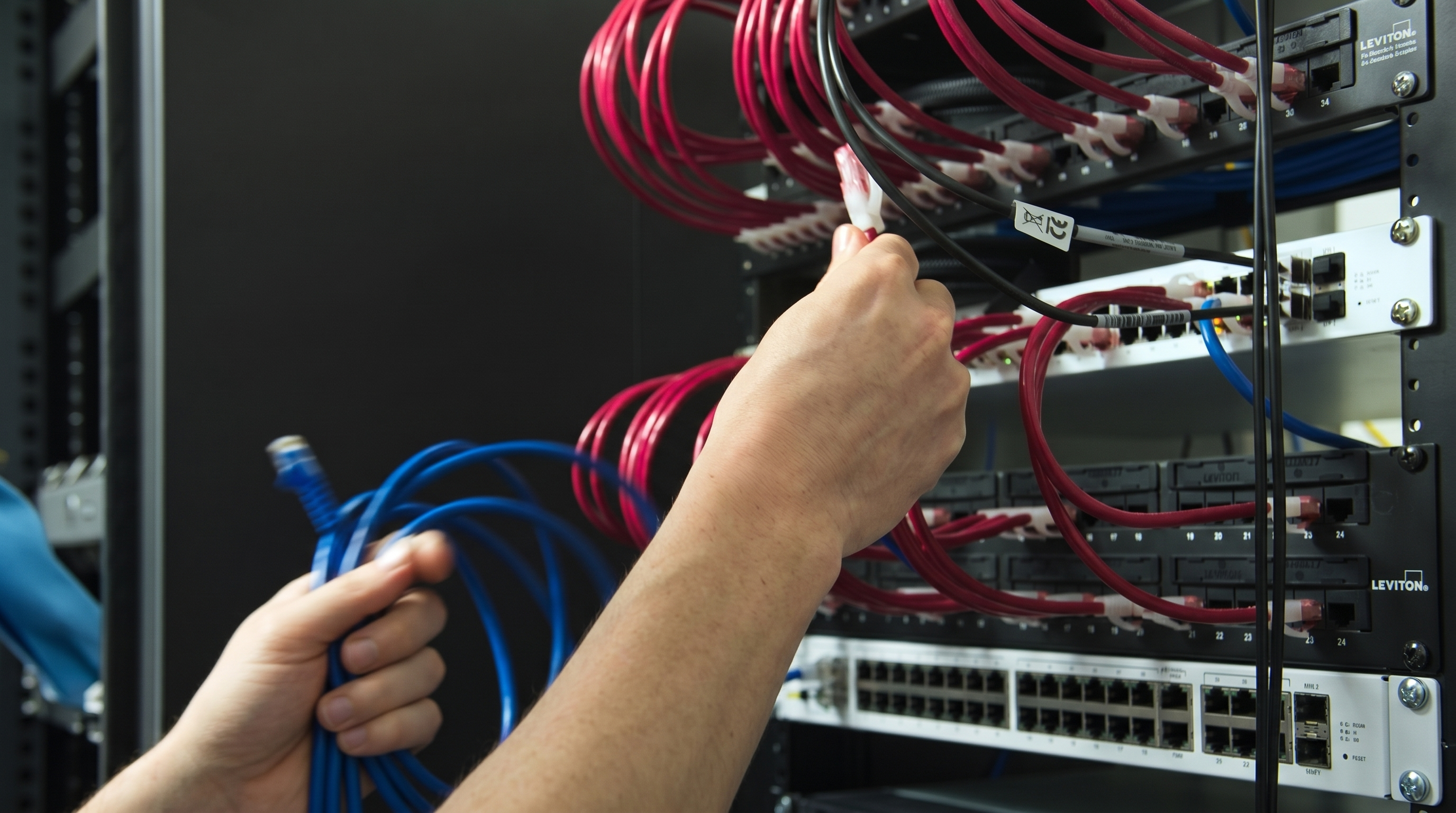
We procure, install, and configure every component of your UniFi environment: access points, switches, security gateways, and the UniFi controller. Every SSID, VLAN, firewall rule, and QoS policy is configured according to the design and documented in your Ashton network record.
We configure separate network segments for whatever your environment requires: corporate, guest, IoT, operational technology, VoIP. We implement proper channel planning so access points do not interfere with each other. And we verify coverage and performance against the design before the project is closed, not after you start noticing problems.
Ongoing Management and Monitoring
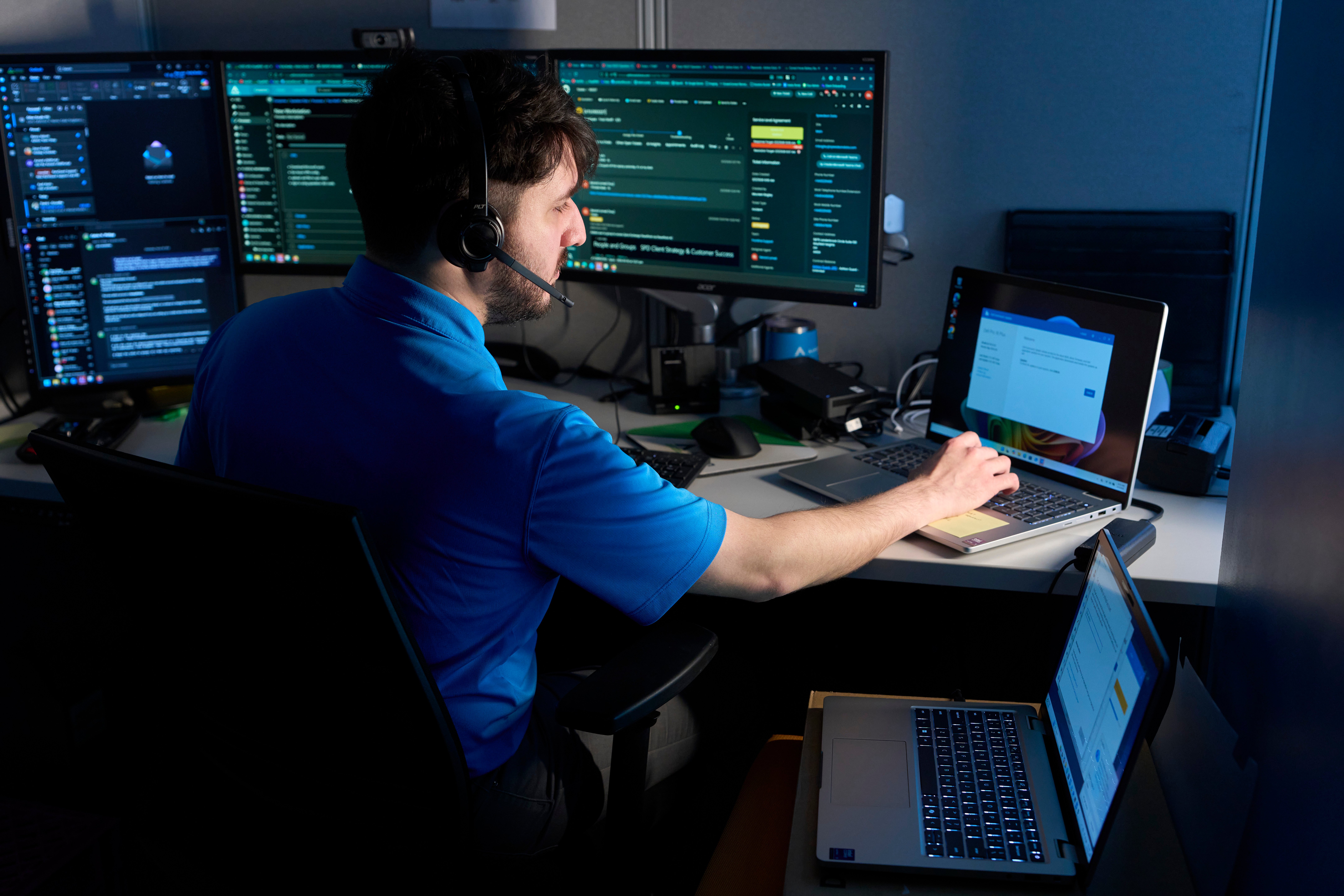
A properly deployed UniFi network still needs management. Firmware updates address security vulnerabilities and performance issues. Configuration drift happens when devices are added without following the established design. New VLANs need to be created correctly. And when something degrades, you need someone who already knows the environment to diagnose and fix it fast.
For Ashton managed IT clients, UniFi network management is part of the service. We monitor network health, push firmware on a controlled schedule, review performance metrics, and respond to connectivity alerts before they become outages. For clients who just want the network managed without full managed IT, we offer network monitoring and management as a standalone engagement.

Ubiquiti UniFi — Questions We Hear Most
If you are evaluating a wireless upgrade or a new deployment, these are the questions worth asking.
Why do you recommend Ubiquiti UniFi over other business wireless platforms?
UniFi delivers enterprise-grade performance, centralized management, and genuine scalability at a price point that makes sense for small and mid-sized businesses. For most of our clients, it provides everything a larger enterprise wireless platform would at a fraction of the cost. The management platform is mature, the hardware is reliable, and the ecosystem is comprehensive: access points, switches, security gateways, cameras, and access control all managed from a single interface.
Can you upgrade an existing wireless network to UniFi without replacing everything?
It depends on your current infrastructure. We assess what you have before recommending anything. In many cases, existing structured cabling and switching can be retained and UniFi access points and a controller added on top. In others, a full refresh is the more cost-effective path. We give you an honest evaluation either way and scope the work clearly before anything starts.
What is a wireless site survey and do we actually need one?
A site survey is an assessment of your physical space to determine proper access point placement, channel assignments, and coverage design before installation. Without one, access points get placed based on convenience rather than signal propagation, and the result is coverage gaps, channel interference, and performance problems that are annoying to diagnose after the fact. For any commercial deployment beyond a small single-room office, we treat the site survey as a required step, not an optional extra.
Can UniFi support separate networks for employees, guests, and IoT devices?
Yes, and this is one of the things UniFi does particularly well. We configure separate SSIDs mapped to separate VLANs so your corporate traffic, guest access, IoT devices, and any other segment are properly isolated from each other. This matters both for security and for network performance. Keeping IoT devices and guest users off your corporate network reduces risk and keeps the bandwidth where your team needs it.
How do you handle multi-site deployments across multiple locations?
UniFi supports multi-site management from a single controller, which means we can see and manage every location in your environment from one place. We design consistent network architecture across sites, apply uniform security policy, and manage firmware updates centrally. For organizations with multiple Ohio locations or distributed national operations, this significantly simplifies ongoing management and ensures consistent performance and security everywhere.
Do you provide ongoing management after the deployment is complete?
Yes. For Ashton managed IT clients, UniFi network management is part of the service: firmware updates, health monitoring, configuration management, and response to connectivity issues. For clients who want the network managed without a full managed IT engagement, we offer network monitoring and management as a standalone service. A properly deployed UniFi network does not require much ongoing intervention, but the management layer that catches problems before they affect your team is worth having.
Ready for Wireless That Actually Works?
Tell us about your space, your environment, and what has not been working. We will give you an honest assessment and a clear path forward.

